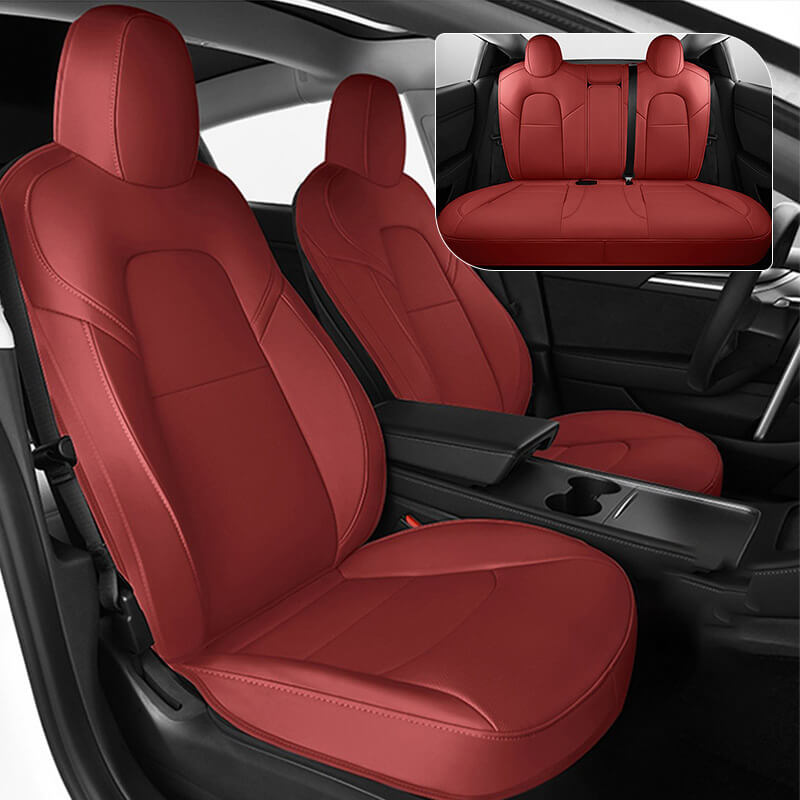
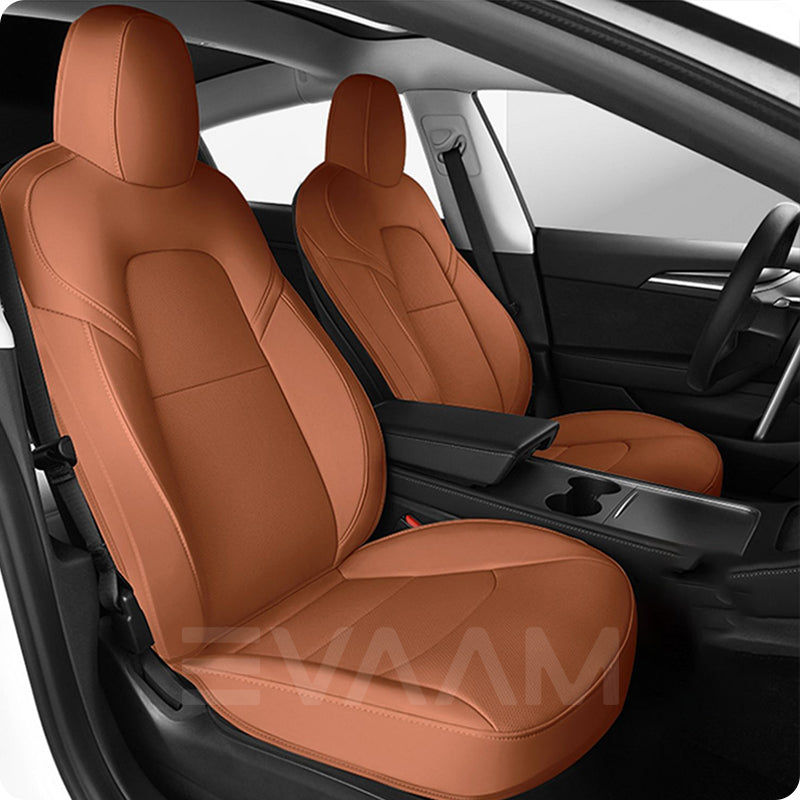
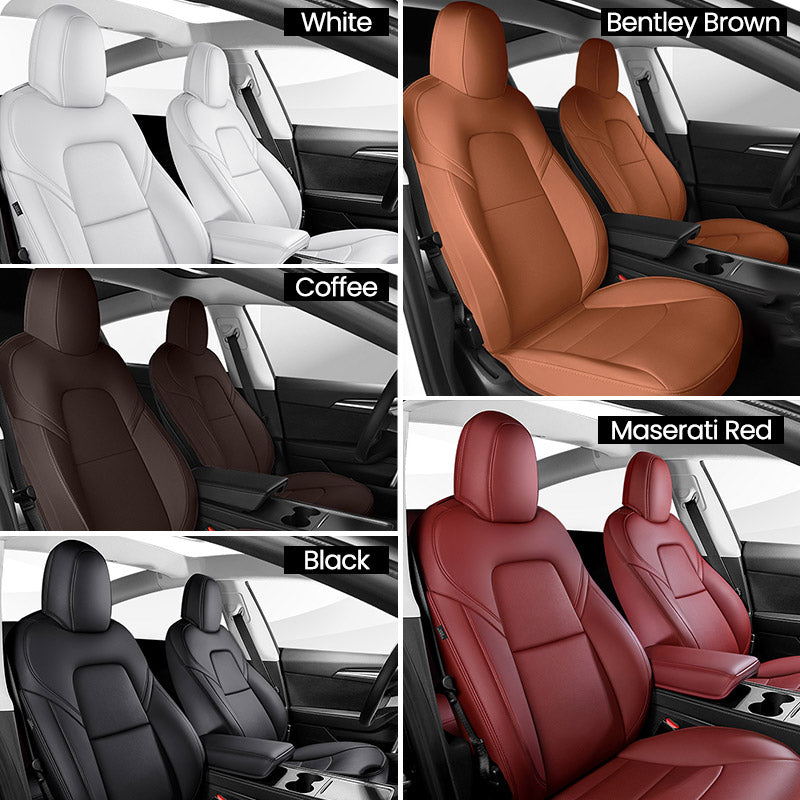
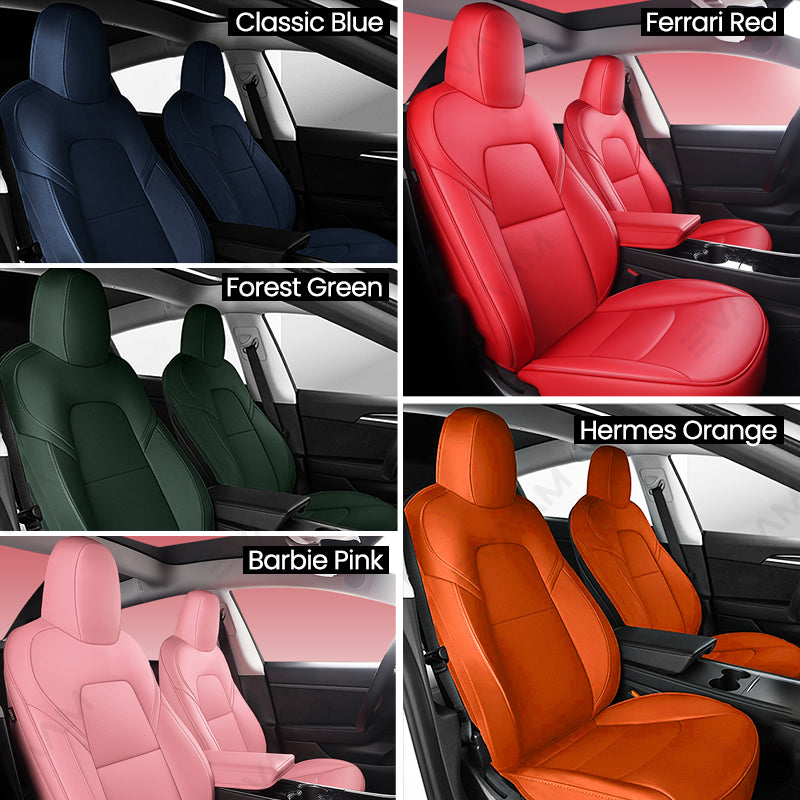
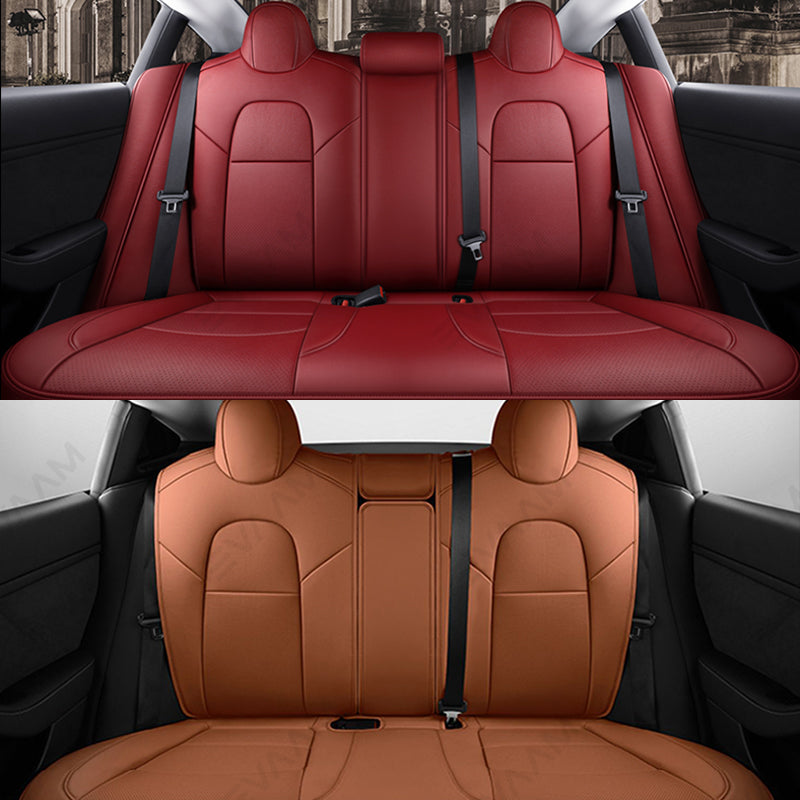
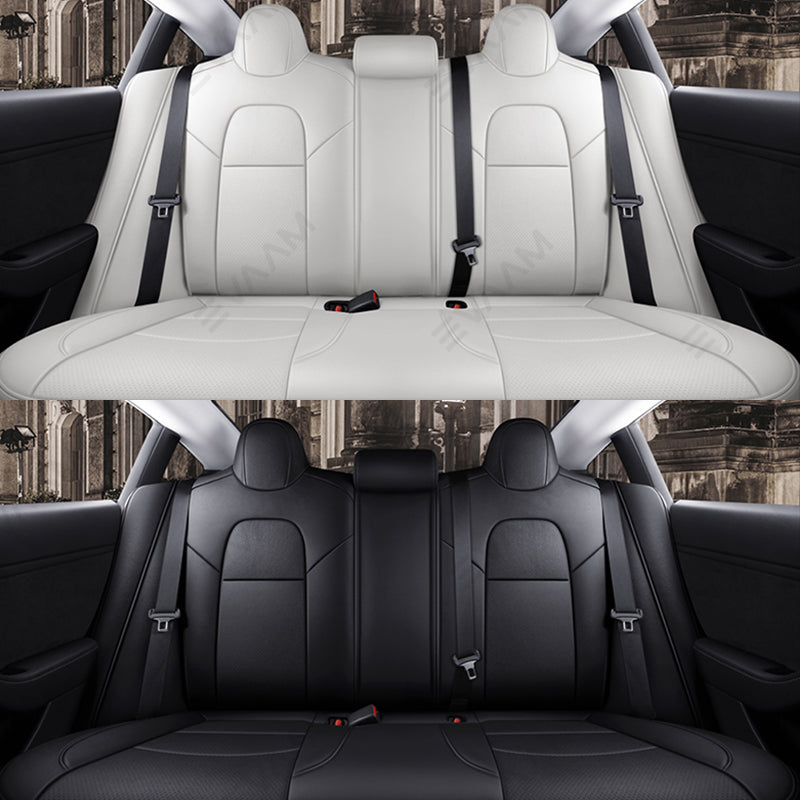
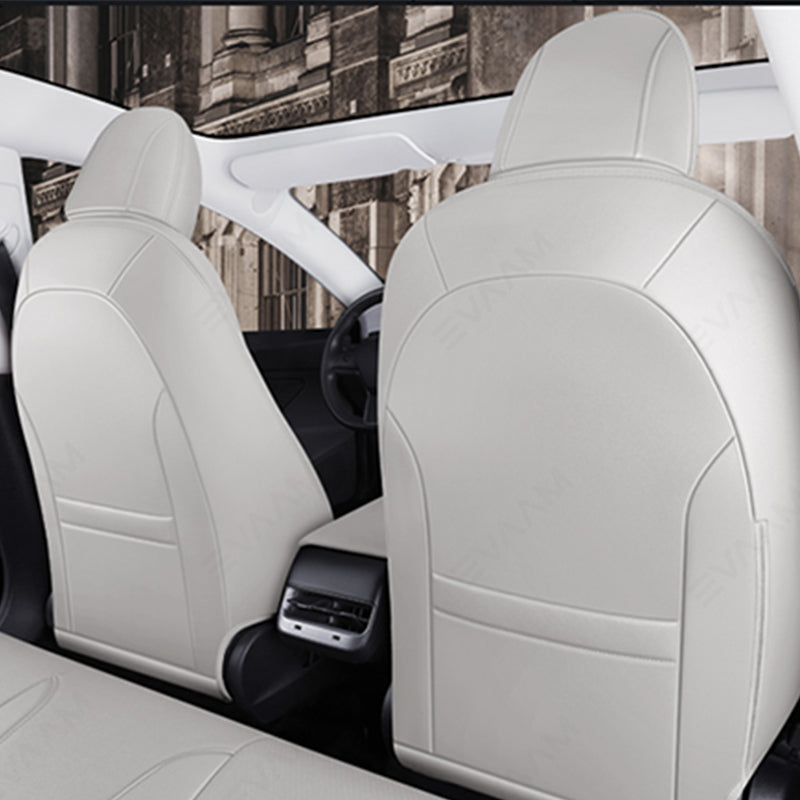
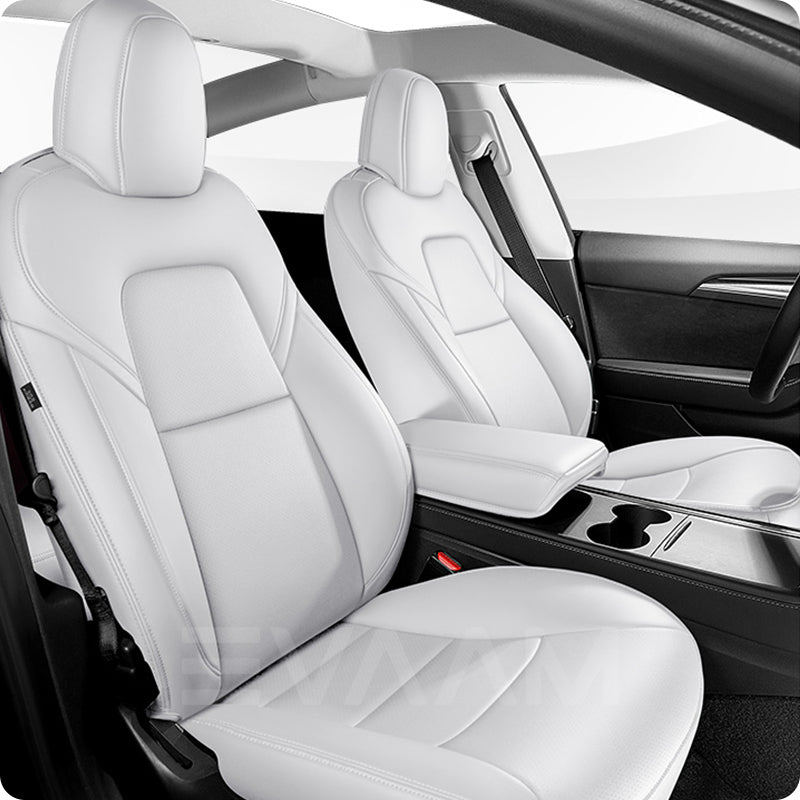
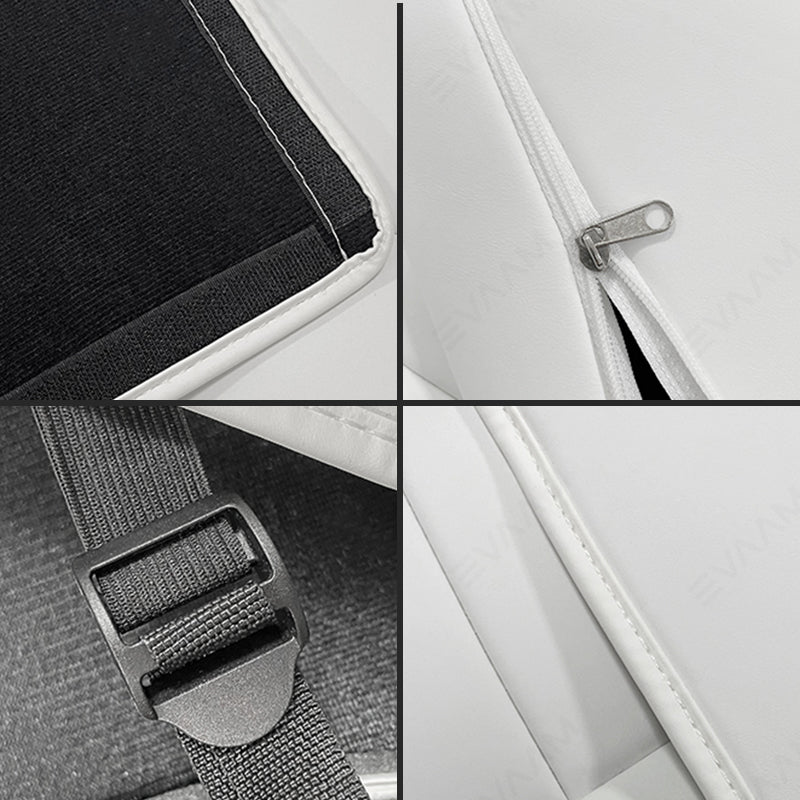
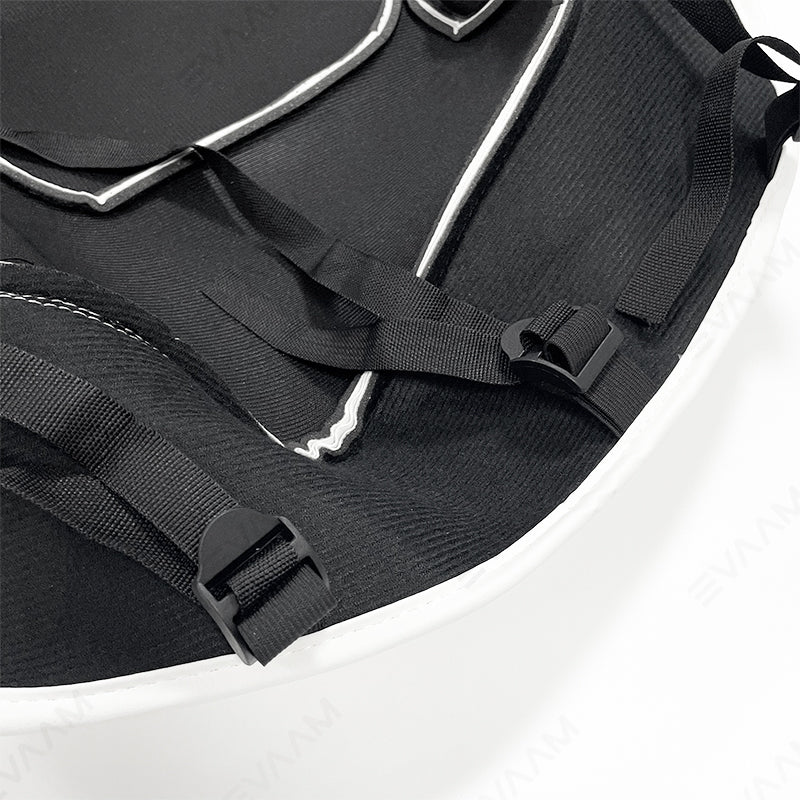
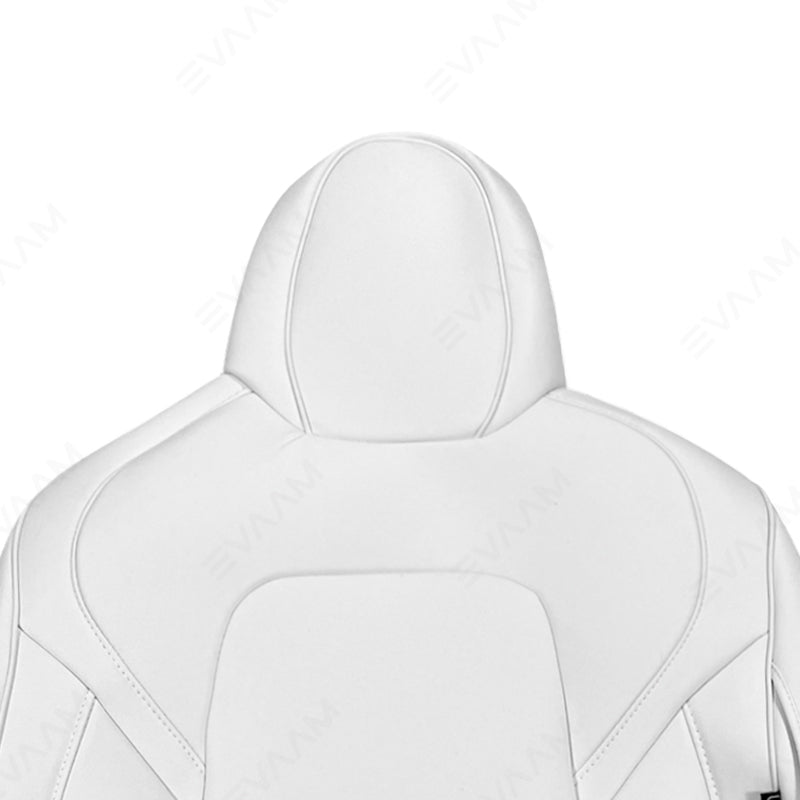
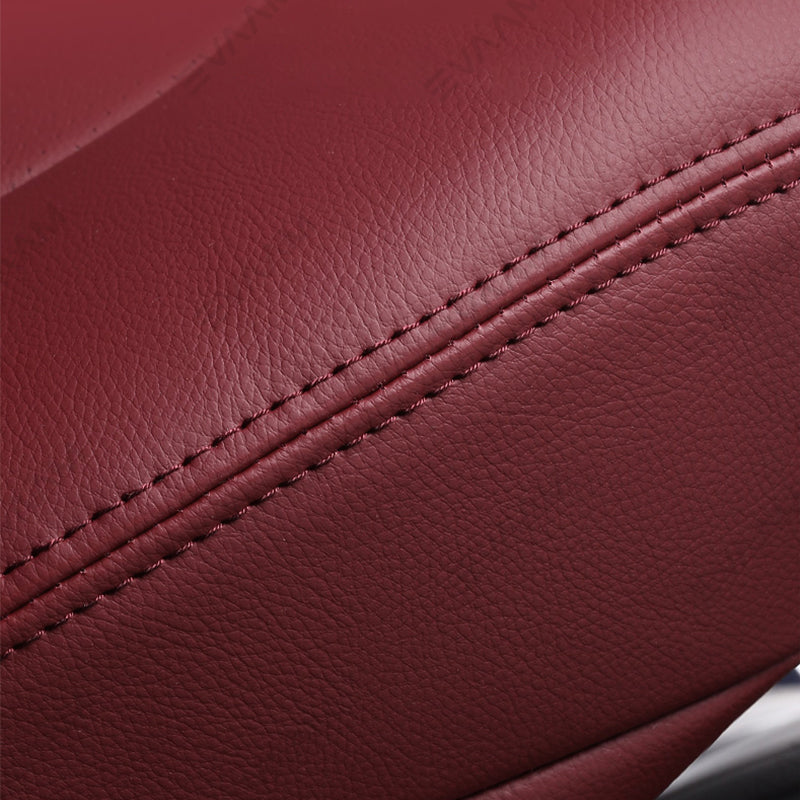
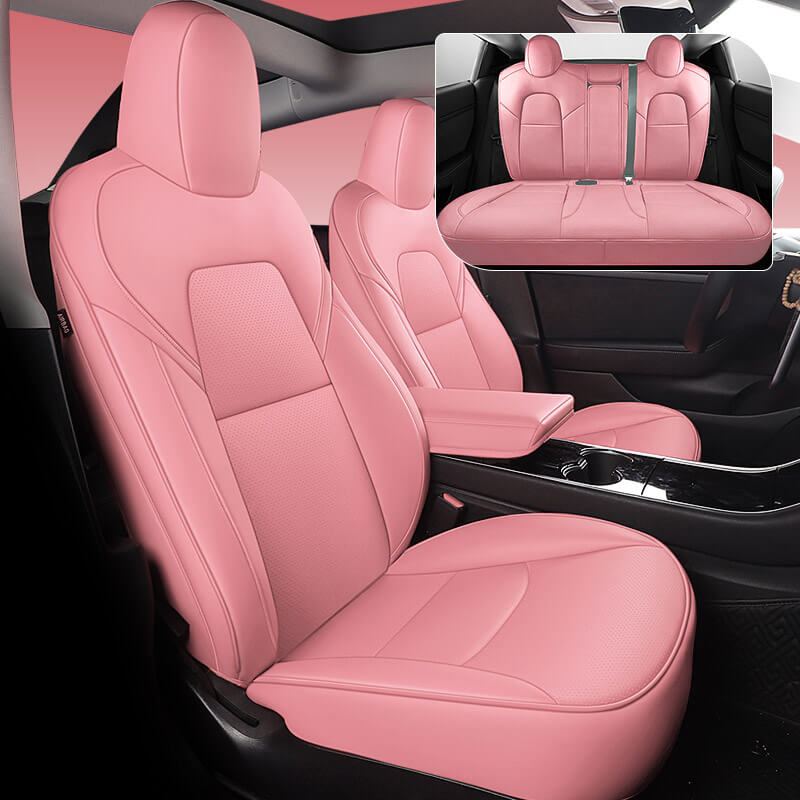
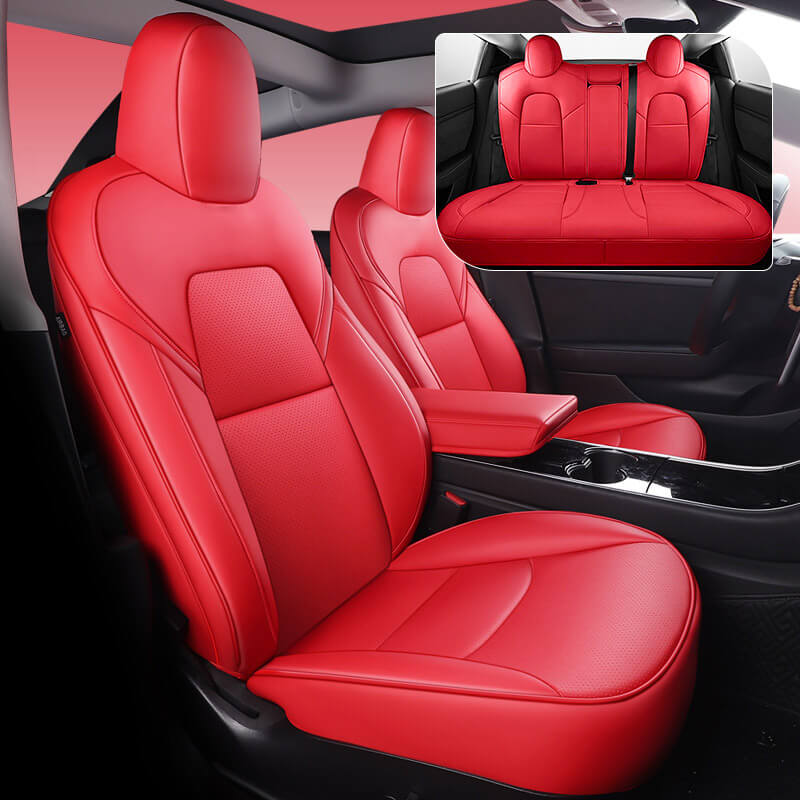
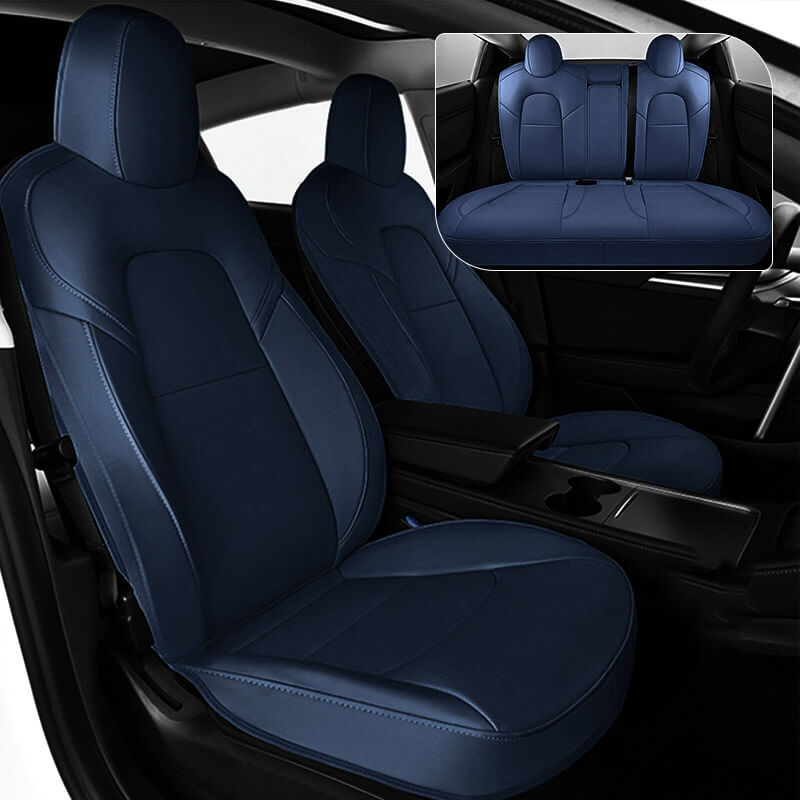
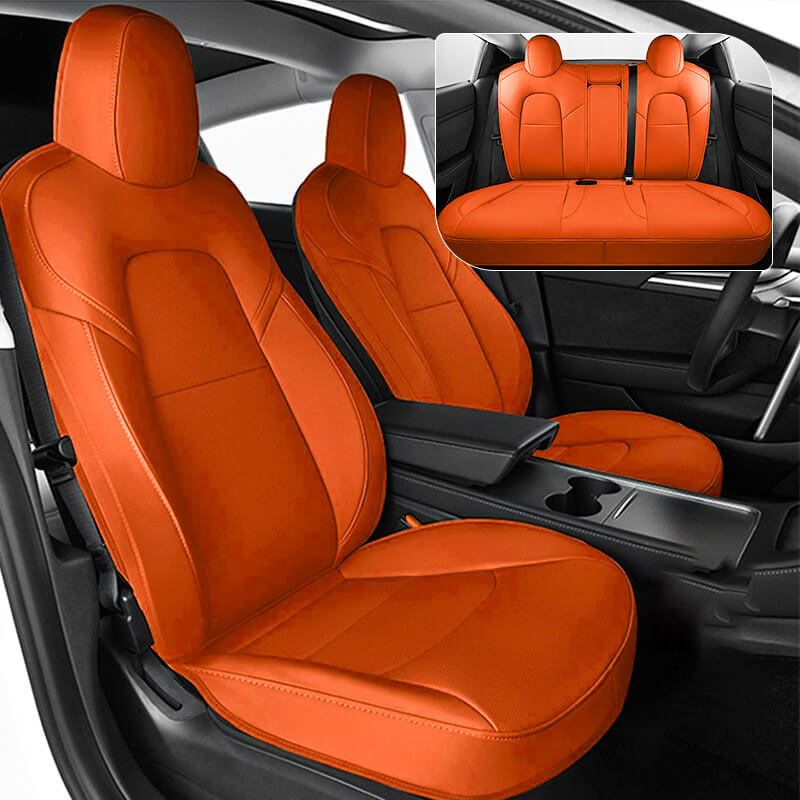
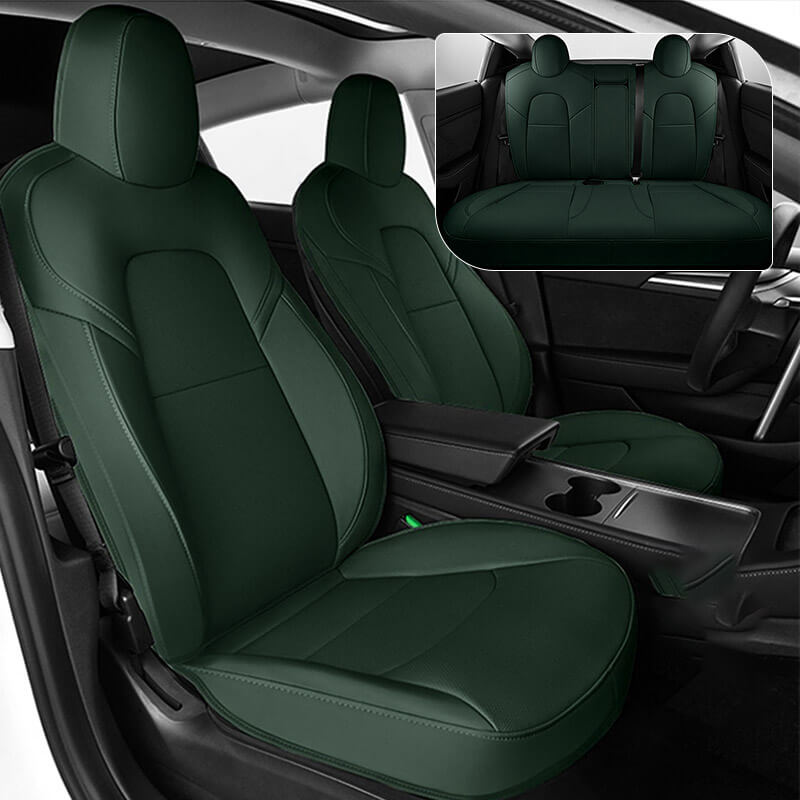
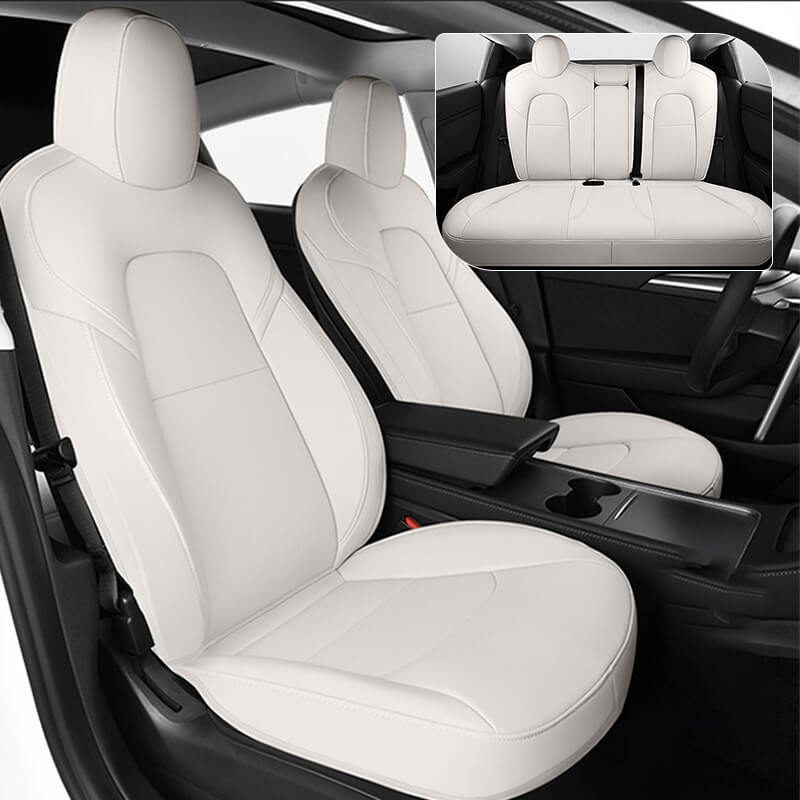
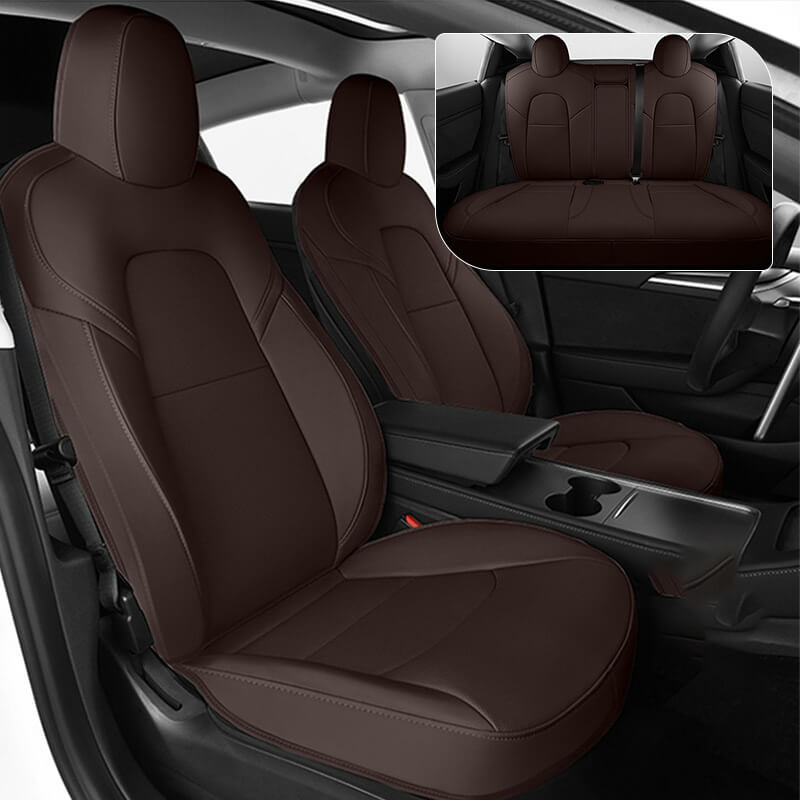
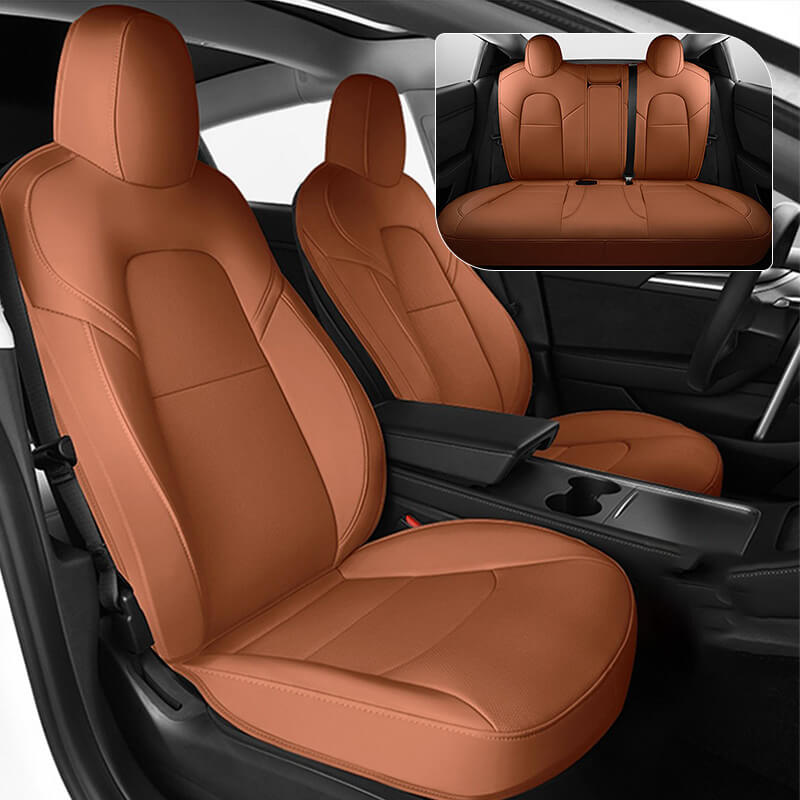
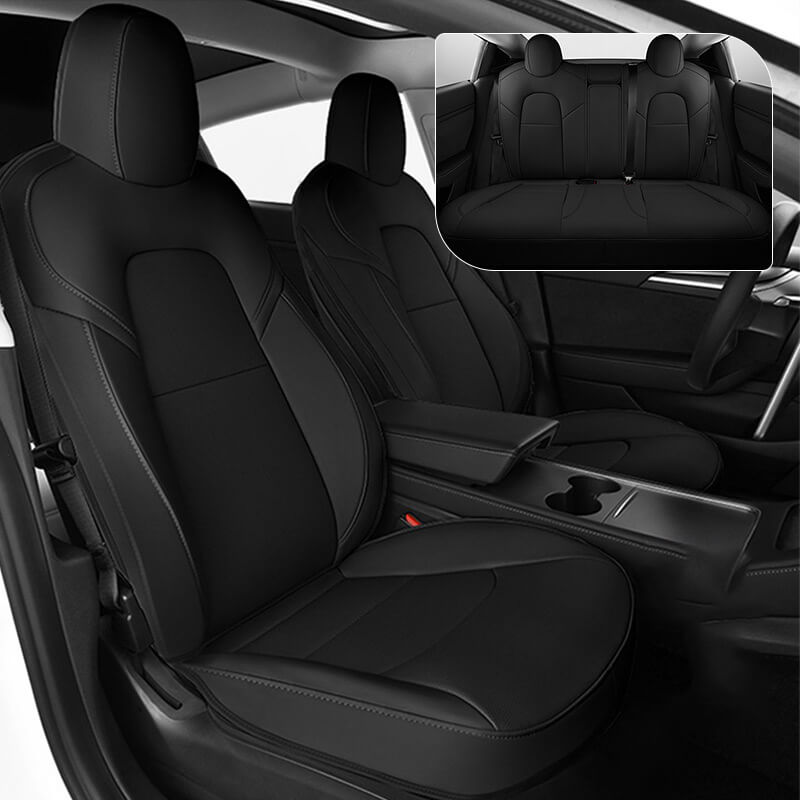
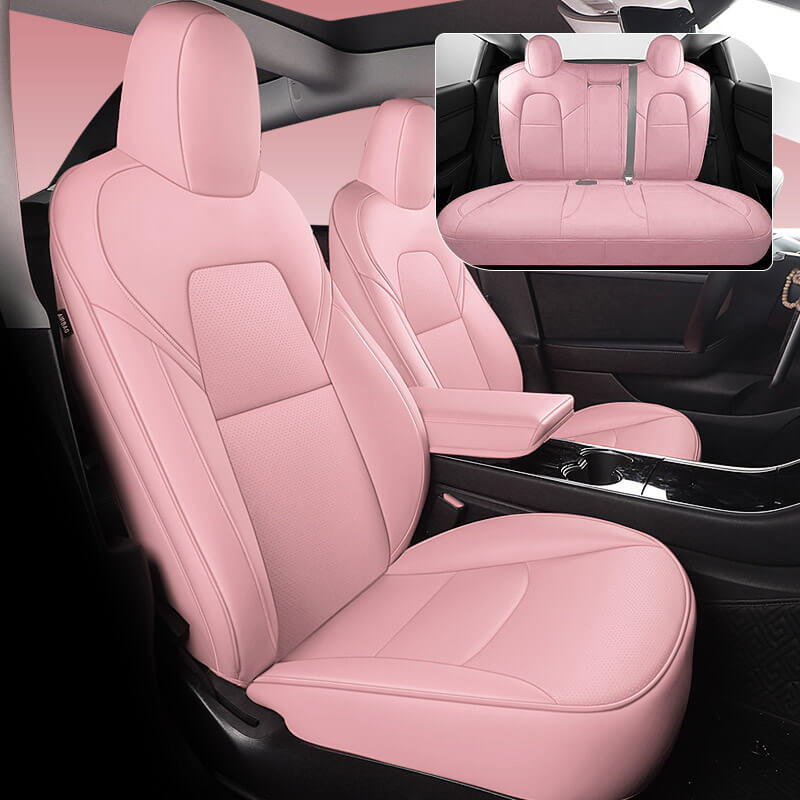
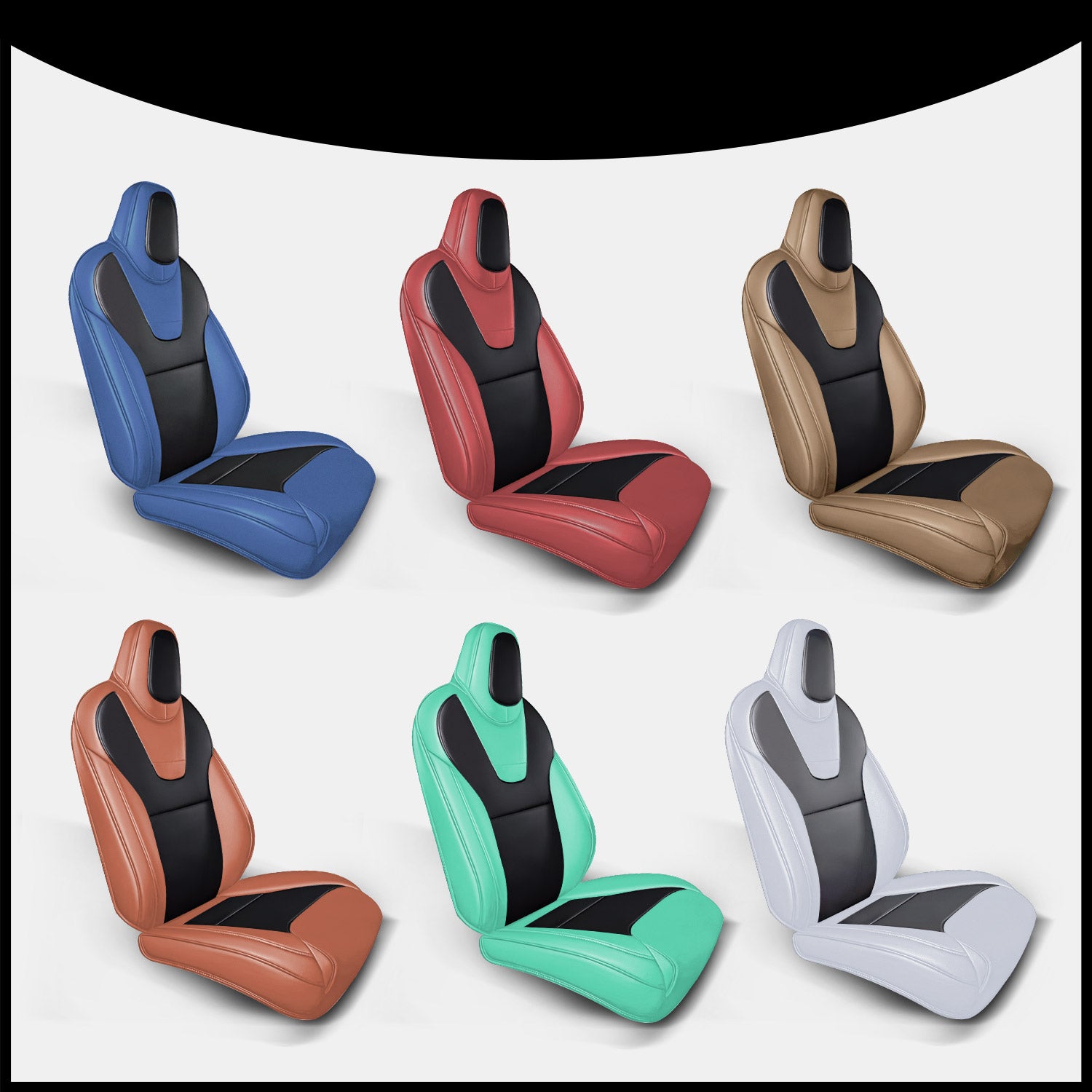
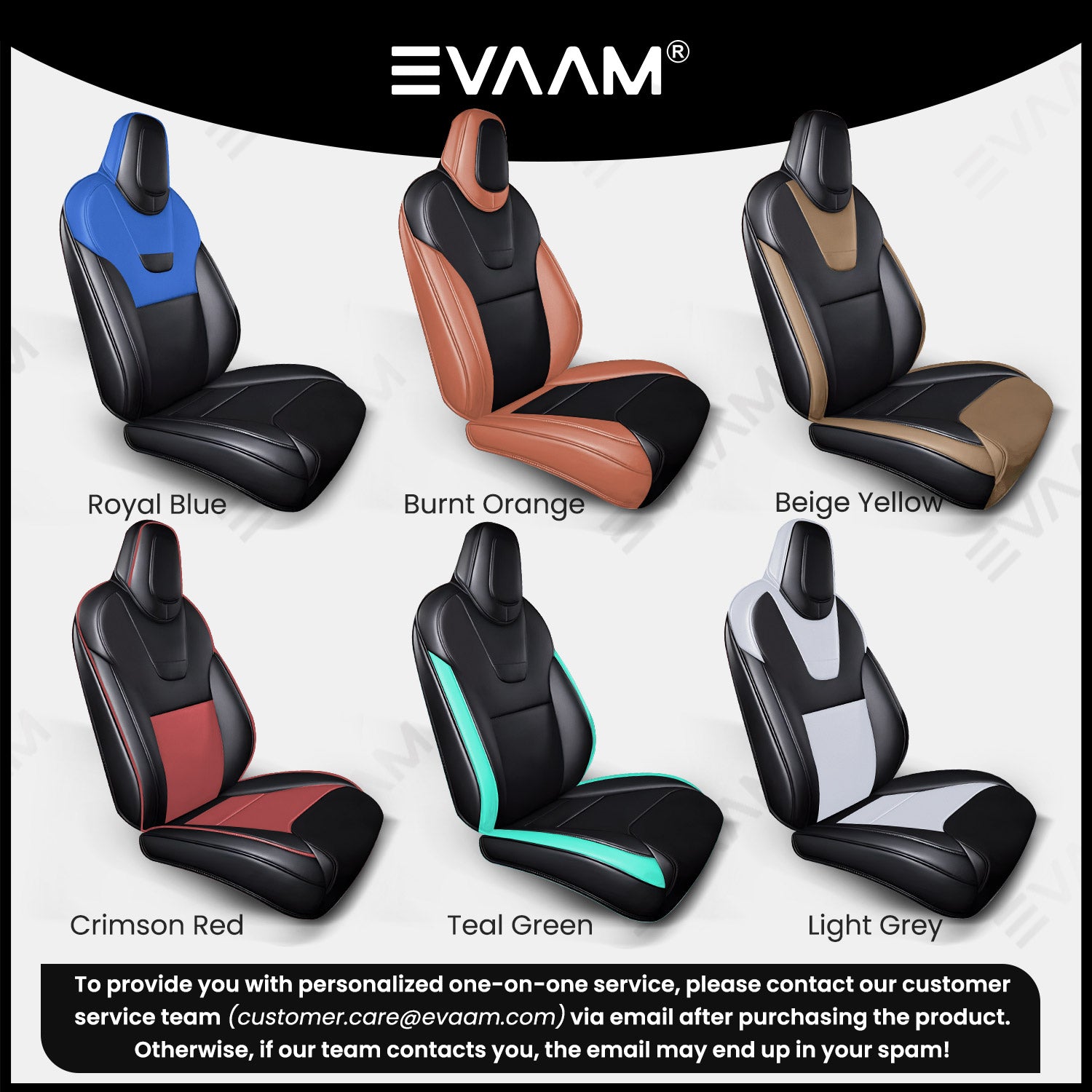
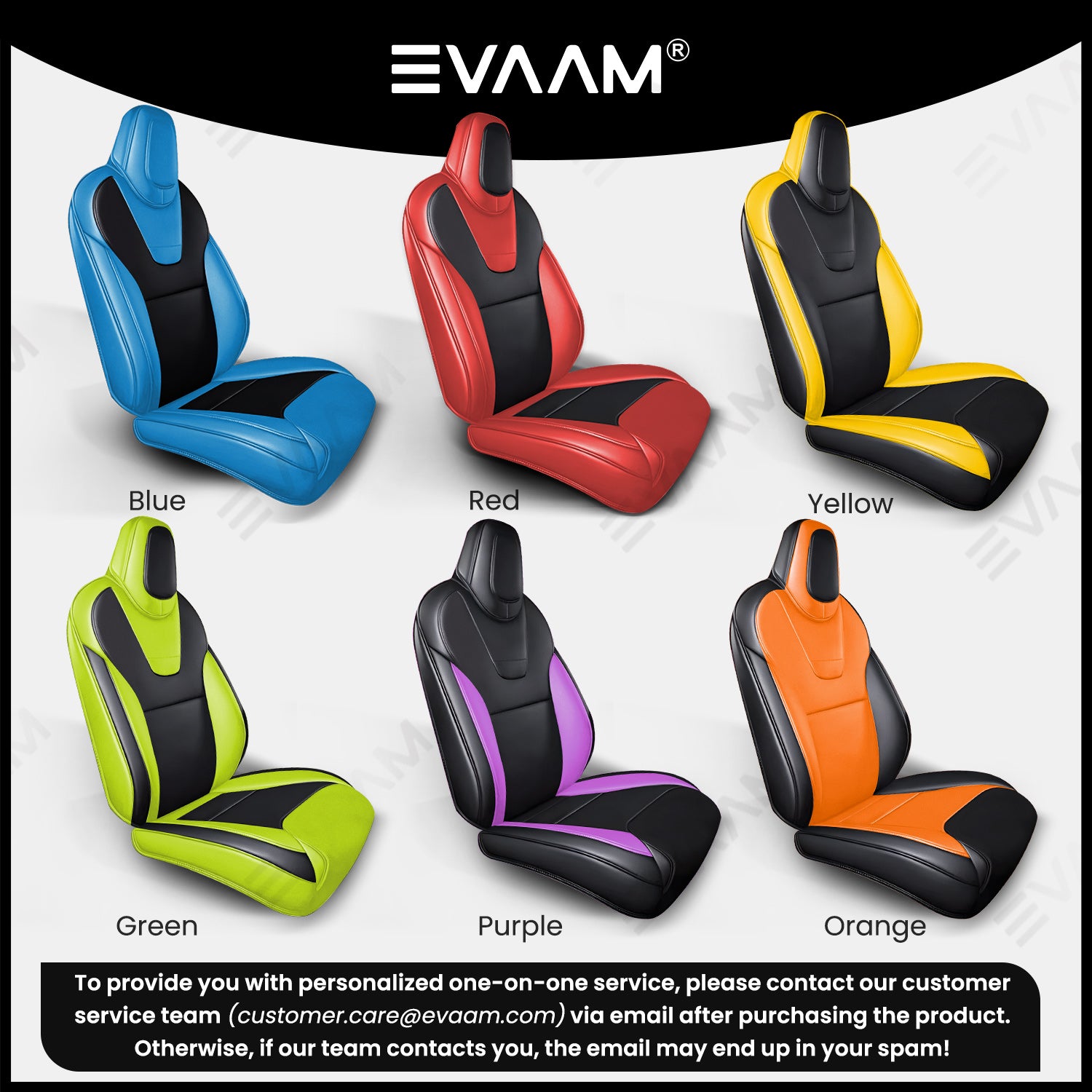
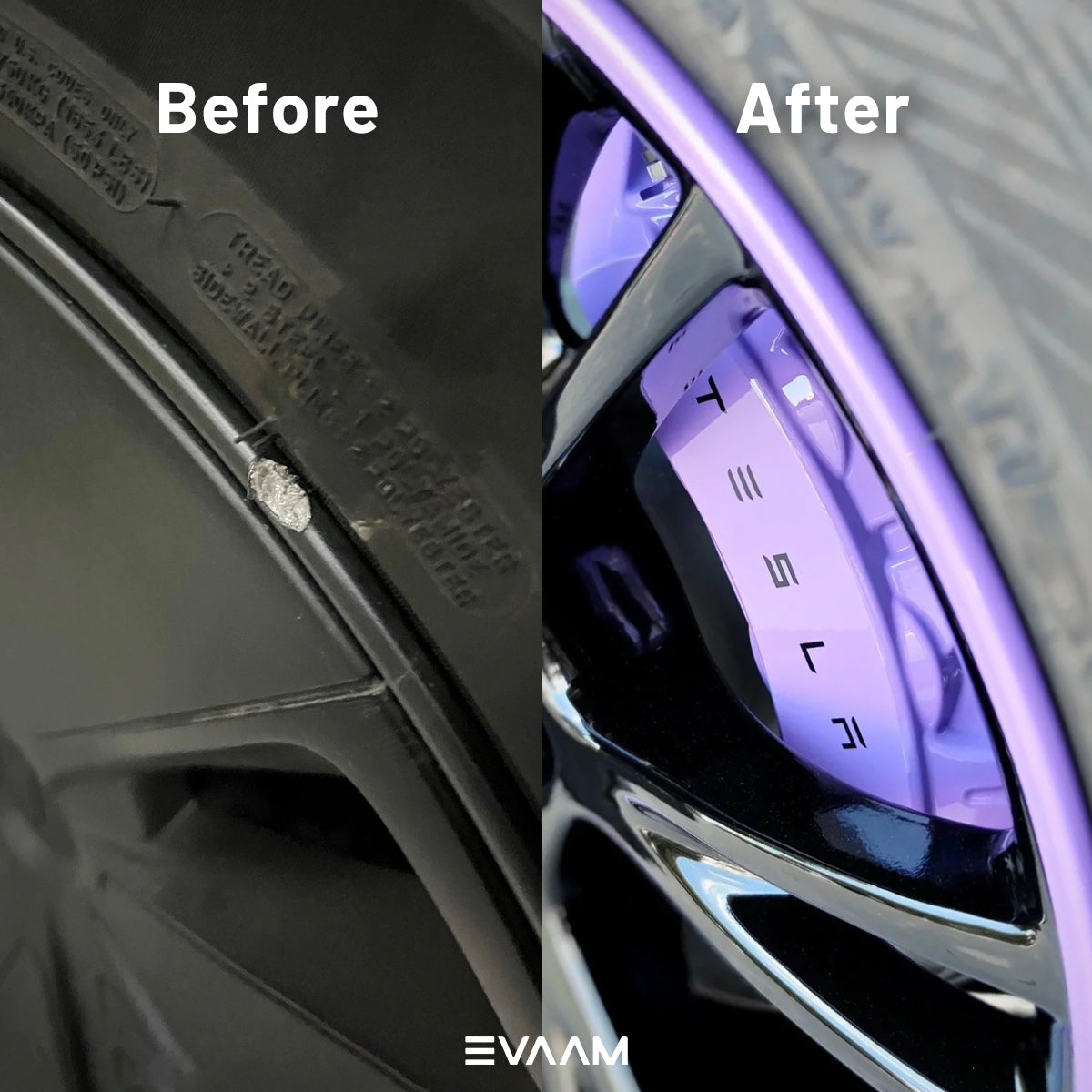
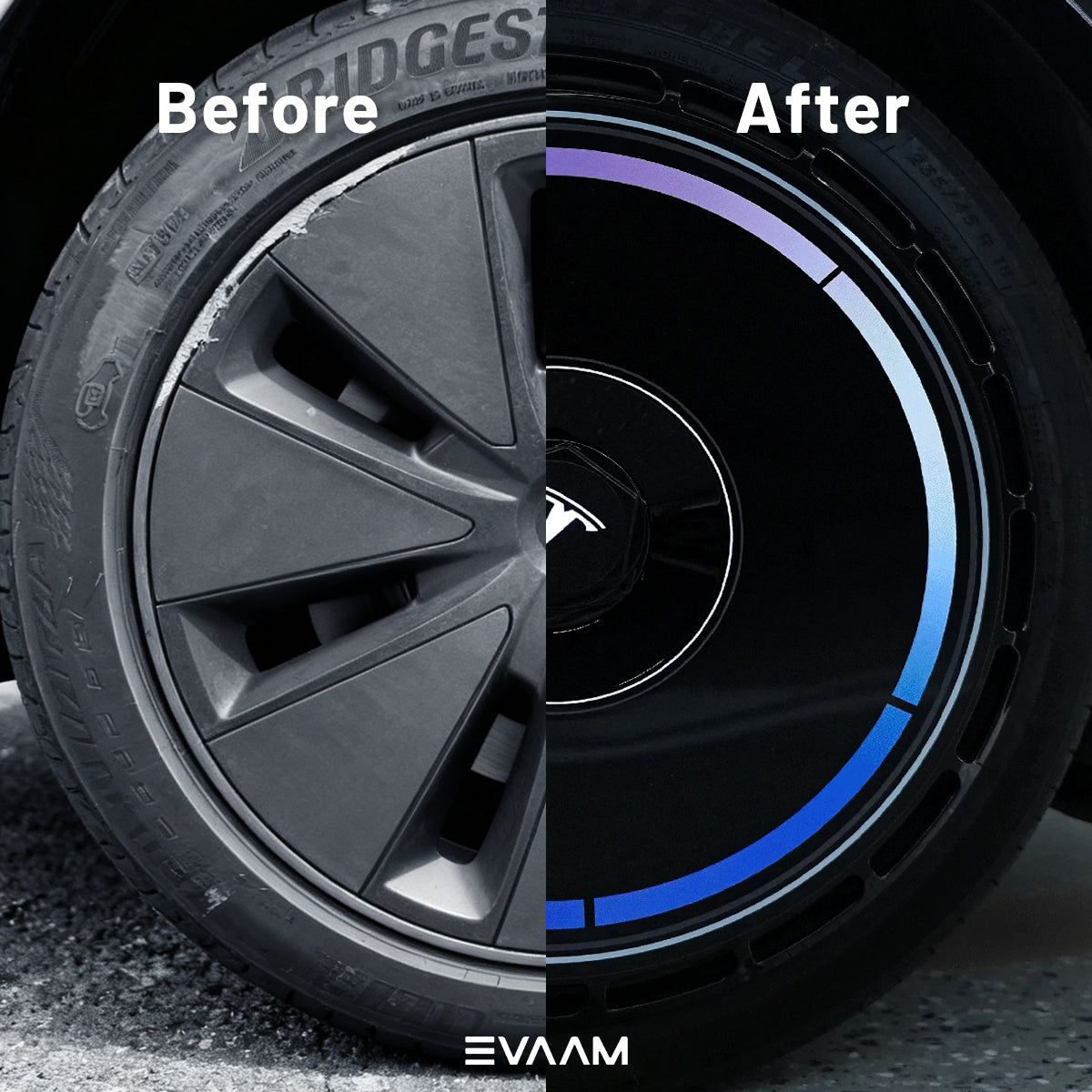
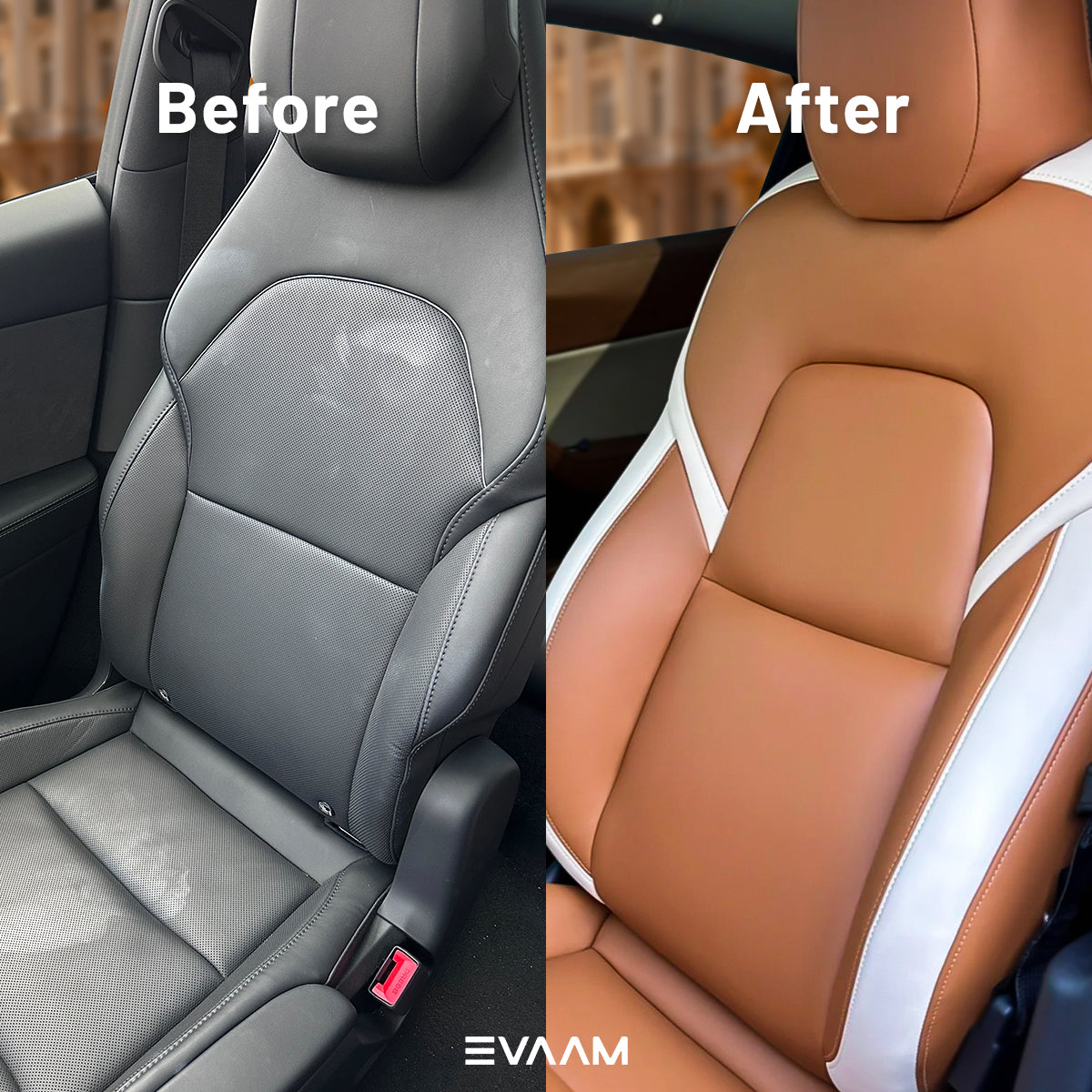
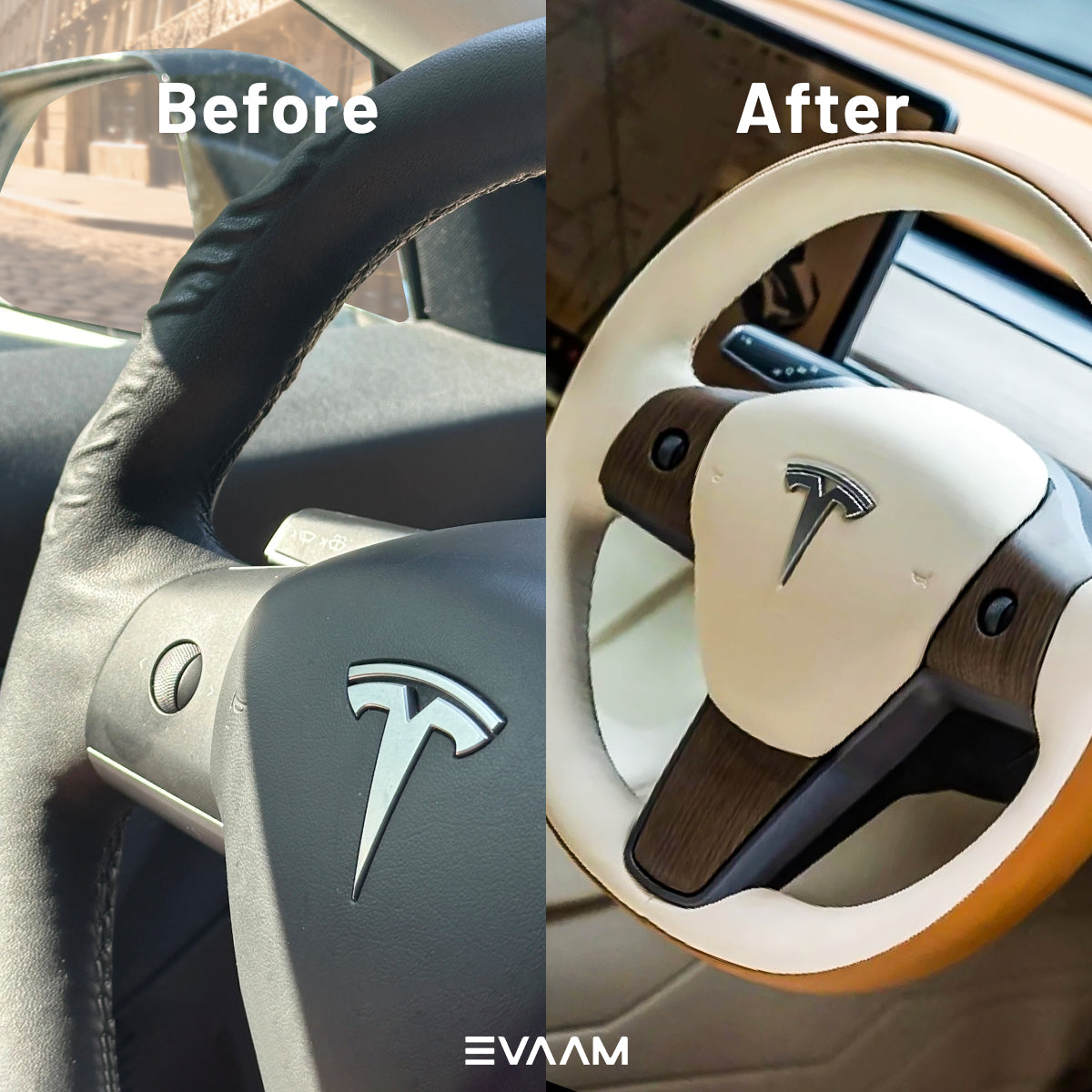
If you wish to personalize your product beyond the standard options—whether it’s a specific color, a unique logo, or a custom pattern—please follow these simple steps to submit your request:
Step 1: Specify Your Requirements (Two Options)
You have two easy ways to let us know about your custom order:
-
Option A: Product Page Text Box Locate the dedicated text box labeled "Customization Request" (or similar) below the product options (color/size selection).

-
Option B: Cart Page Notes Alternatively, you can add the product to your cart and leave a detailed note in the "Order Notes" section during checkout.

Step 2: Detail Your Customization
In your chosen location (text box or notes), please clearly detail your needs:
-
For Color: Specify the exact shade, color code (e.g., Hex or Pantone), or a detailed description (e.g., "Matte Racing Red").
-
For Embroidery: Clearly describe the design, its size, and the desired placement on the product. (If a file is needed, our team will request it in a follow-up communication.)
If you need customized embroidery, click here to place an order with the seat cover.
Step 3: Complete Your Order
Proceed through the checkout process and finalize your purchase. For this step, you may select any standard available option, as your custom request will be prioritized and confirmed later.
Step 4: Confirmation and Final Details
After your order is successfully placed, a member of our dedicated Customer Support Team will promptly contact you (typically within 1 business day) via email or phone to:
-
Confirm the exact details of your custom color, logo, or pattern.
-
Discuss the feasibility and confirm the final production timeline.
We look forward to collaborating with you to create your perfect personalized product!
For any questions, please contact our customer service at customer.care@evaam.com, and we will be happy to assist you.